
Download FTPortal – Secure Mac FTP Client, Free Trial, Easy File Transfer
Overview
FTPortal is a lightweight, trial‑version FTP client built exclusively for macOS. First added to our catalog in 2006, the program has accumulated more than 3,000 downloads and continues to serve users who need a simple, secure way to upload and download files over FTP, FTPS, and SFTP. The current release, version 1.0.8, was refreshed on 3 January 2010 and remains compatible with macOS X as well as earlier Mac operating systems.
Although the software is offered as a free trial, the underlying donation model grants permanent passwords for all Limit Point Software products once a contribution is received. This approach keeps the core application free while supporting continued development of related tools such as Boolean Search. FTPortal’s sleek interface, minimal storage footprint, and straightforward registration policy make it an attractive option for anyone who wants to move files between a local Mac and a remote server without wrestling with complex configuration screens.
Whether you are a web designer pushing site updates, a photographer sharing high‑resolution images, or a system administrator performing routine backups, FTPortal delivers a reliable, secure, and easy‑to‑learn experience.
Key Features, Pros & Cons
- Native macOS UI – looks and feels like a built‑in Apple app.
- Support for FTP, FTPS, and SFTP protocols with encrypted transfers.
- Drag‑and‑drop file management for quick uploads and downloads.
- Site manager with saved credentials and connection profiles.
- Bandwidth throttling to prevent network saturation.
- Automatic resume of interrupted transfers.
- Minimal disk usage – the installer is under 10 MB.
- Free trial with optional donation‑based full access.
Pros
- Extremely lightweight – ideal for older Mac hardware.
- Simple, intuitive interface reduces learning curve.
- Secure transfer options (FTPS, SFTP) meet modern compliance needs.
- No ads or hidden fees in the trial version.
- One‑donation model provides access to the whole Limit Point suite.
Cons
- Only available for macOS; no Windows or Linux builds.
- Last official update was in 2010 – may lack recent UI refinements.
- Limited advanced features such as scripting or batch processing.
- Support relies on community forums rather than dedicated help desk.
Overall, FTPortal offers a clean, secure, and no‑frills solution for Mac users who need reliable FTP functionality without the bloat of larger suites. Its strengths lie in simplicity and low resource consumption, while the primary drawbacks are the lack of cross‑platform support and a dated UI.
Installation, Usage & Compatibility
Getting started with FTPortal is straightforward. After you click the Download FTPortal button, the installer file (a .dmg package) will appear in your Downloads folder. Double‑click the .dmg to mount the disk image, then drag the FTPortal icon into your Applications folder. macOS may prompt you to confirm that you want to open an application from an unidentified developer; simply click “Open” after reviewing the security warning.
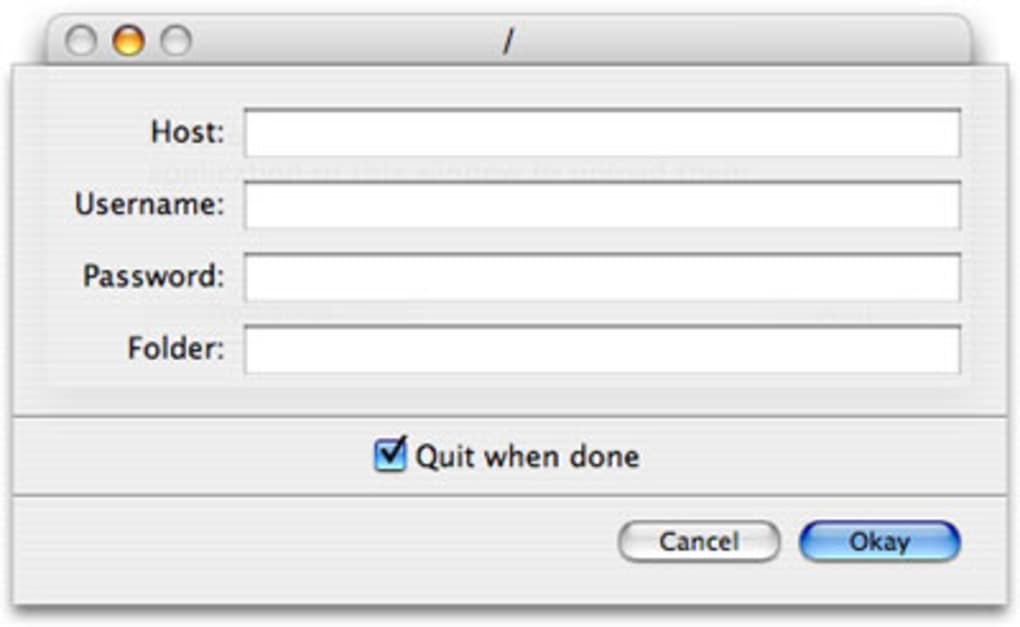
Once installed, launch FTPortal from the Applications directory or via Spotlight. The first screen presents a clean connection wizard. Enter the hostname or IP address of your FTP server, select the appropriate protocol (FTP, FTPS, or SFTP), and provide your username and password. If you plan to use the same server frequently, check the “Save credentials” box – the program stores this information securely in the macOS Keychain.
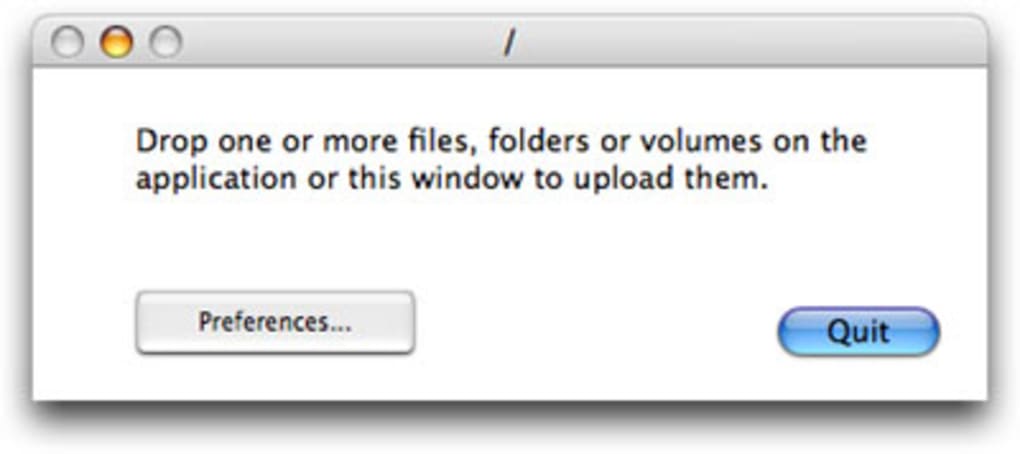
After connecting, the main window splits into two panes: your local Mac folders on the left and the remote server’s directory tree on the right. You can drag files from one pane to the other, or use the context menu (right‑click) to choose “Upload”, “Download”, “Rename”, or “Delete”. The built‑in bandwidth throttler can be accessed via the Preferences menu, allowing you to cap transfer speeds to avoid choking other network activity. If a transfer is interrupted, FTPortal automatically attempts to resume from the point of failure, saving time and bandwidth.
Regarding compatibility, FTPortal runs on macOS X 10.4 (Tiger) and later, including modern releases such as macOS Ventura (13) and macOS Sonoma (14). Because the software relies on native Apple frameworks, it integrates seamlessly with macOS security features like Gatekeeper and the Keychain. Users of older hardware will appreciate the small installation size, while power users on newer Macs will still benefit from the low‑overhead design.
System requirements are modest: a Mac with at least 512 MB of RAM, 10 MB of free disk space for the application, and an internet connection for FTP communication. No additional libraries or runtime environments are needed, making FTPortal a truly “plug‑and‑play” solution for Mac users.
Frequently Asked Questions & Conclusion
Is FTPortal completely free?
FTPortal is offered as a free trial. To unlock permanent access you can make a one‑time donation, which also grants passwords for all other Limit Point Software products.
Can I use FTPortal on Windows or Linux?
No. FTPortal is built exclusively for macOS. Windows and Linux users will need to look for alternative FTP clients.
Does FTPortal support secure file transfer (SFTP/FTPS)?
Yes. The client includes native support for FTPS (FTP over SSL) and SFTP (SSH File Transfer Protocol), ensuring encrypted communication.
What happens if my transfer is interrupted?
FTPortal automatically attempts to resume the transfer from the point of interruption, provided the server also supports resume functionality.
How can I update FTPortal to the latest version?
Because the last official release dates back to 2010, there are no newer updates. However, the existing version remains fully functional on current macOS releases.
In summary, FTPortal delivers a focused, secure, and easy‑to‑use FTP experience for Mac users who value simplicity over extensive feature sets. Its lightweight footprint, drag‑and‑drop workflow, and support for encrypted protocols make it a solid choice for everyday file transfers, website publishing, and remote backups. While the lack of Windows support and an aging UI may deter some, the free trial and donation‑based full‑access model provide a risk‑free way to evaluate the software. If you’re looking for a no‑frills, macOS‑native FTP client that gets the job done without consuming resources, download FTPortal today and start moving your files securely.







